How member accounts stay protected
Every session, whether in a browser or in the app, passes through several protection layers. This page describes those layers and walks through two-factor authentication setup.
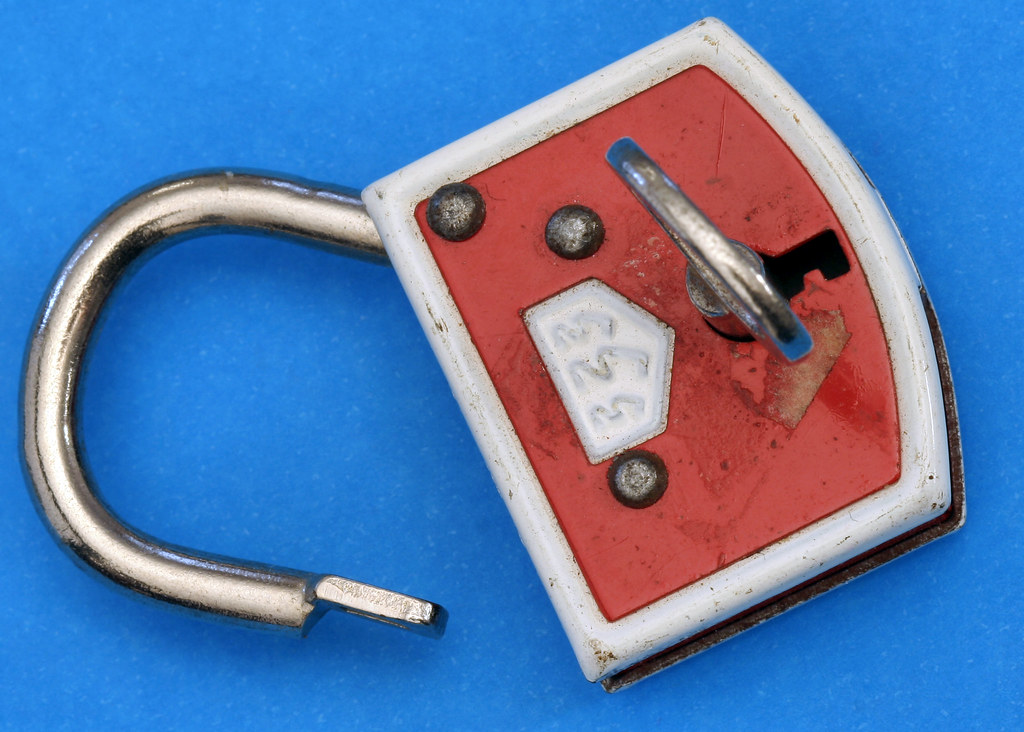
What stands behind each sign-in
Traffic between a member's device and the service is encrypted for the full journey, and certificates allow browsers and apps to verify the destination before any credentials are entered. Behind the sign-in screen, device recognition and behavior analysis compare each session against the member's normal pattern and can request extra verification when something changes abruptly.
The password is only the first factor. The second factor is something the member holds: a registered phone, an authenticator application or a hardware key. With both in place, a stolen password alone is not enough to reach an account.
Setting up two-factor authentication
- Open the security center from the account menu after signing in.
- Turn on two-factor authentication and select a delivery method: text, voice call, authenticator app or hardware key.
- Confirm the registration by entering the one-time passcode shown on the chosen device.
- Record the backup codes provided and store them somewhere safe for recovery situations.
- Add trusted devices so frequent sign-ins are remembered for a limited window.
After setup, each unfamiliar browser or device prompts for a fresh passcode. Authenticator codes rotate every thirty seconds, so intercepted codes expire almost immediately.
Alerts that watch the account
Members can enable alerts for password changes, new device registrations, contact detail updates and transactions above a chosen amount. Notifications arrive by push, text or email, and monitoring systems can pause unusual activity for review when a session deviates sharply from the member's established pattern.
Safe habits for everyday access
Protection works best alongside routine care: entering the portal address directly rather than following links in messages, keeping the mobile app updated, locking devices when not in use and never sharing one-time codes with anyone. The institution states plainly that its staff will never call or message to request a code or password. Together with the card controls described in the online banking guide, these habits keep accounts protected wherever members are stationed.